9. Map Particle Age to Strength
Vary Curl strength with particle age.
Keep the group and Sphere mask
Continue from lesson 8 and save as 09-data-mapping.blend. Keep base Curl Strength 1.2, Group Main, and the Sphere mask.
Add one mapping
- Open Curl Noise's Data Mapping > Add Mapping... and choose Strength.
- Set Source: Life Progress, Source Min
0, Source Max1, and Outside Range Clamp. - Set Output Min
0.25, Output Max2, Apply Mode Multiply, and Influence1. - Leave Remapping Curve off and replay to
72.
Life Progress is already normalized. Age in Frames or Seconds is a different source.
| Life Progress | Multiplier | Strength before the spatial Mask |
|---|---|---|
0 |
0.25 |
1.2 × 0.25 = 0.3 |
0.5 |
1.125 |
1.35 |
1 |
2 |
2.4 |
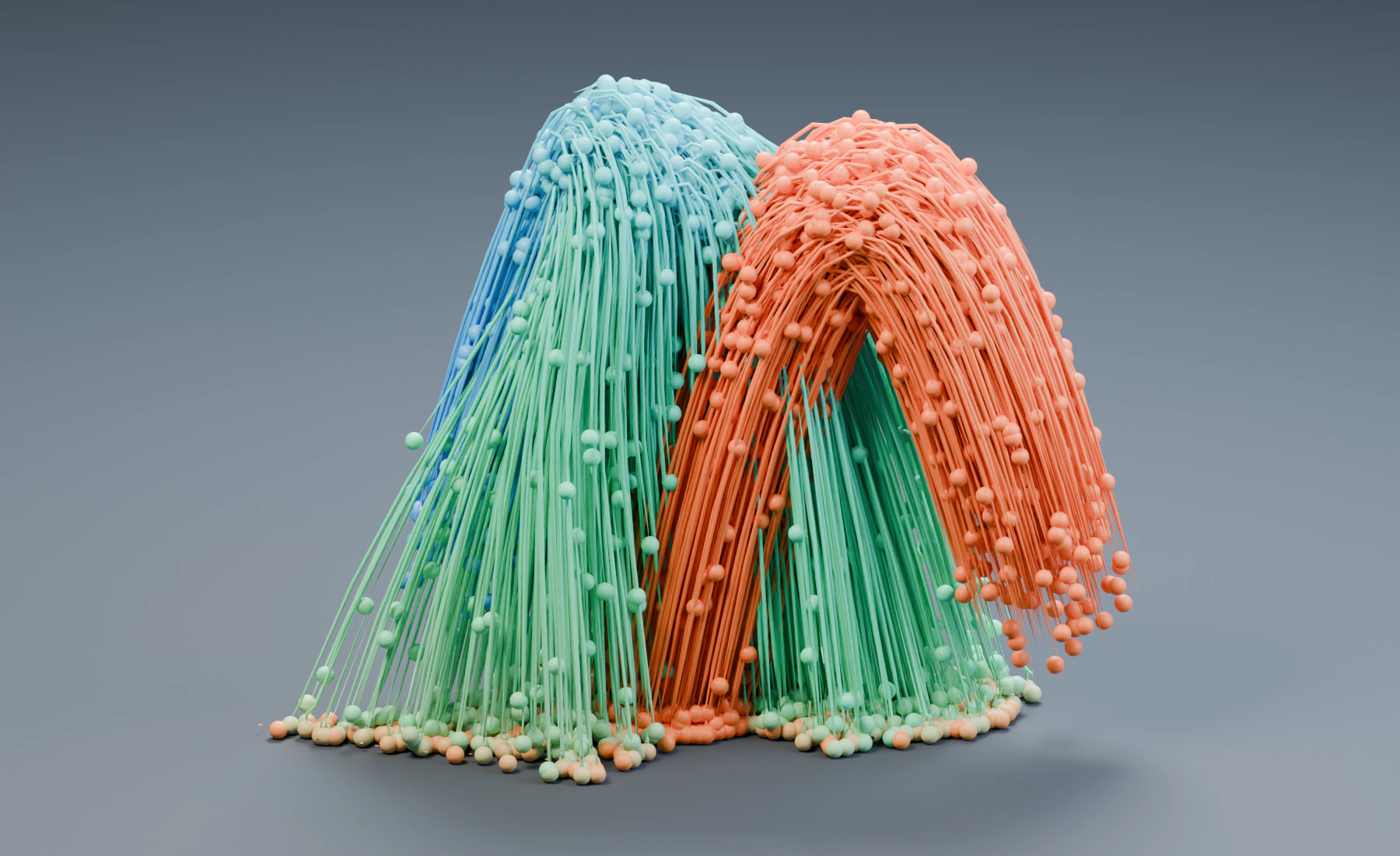
Group, mapping and mask together
The Group selects Main, the mapping controls its Curl parameter per particle, and the Sphere mask limits influence in space. An old particle outside the region still receives no Curl influence.
Inspect young and older Main particles inside Curl Region. Use Particle Inspector to inspect the mapping's Input and Result; run a simulation step after selecting the layer.
Optional: compare Multiply and Replace
Choose Replace and replay. Strength now spans 0.25–2 directly instead of multiplying 1.2. Restore Multiply. Disabling the mapping restores the ordinary Strength.
Troubleshooting
- Base Strength still matters: this is expected in Multiply and Add.
- The range is too strong: inspect Apply Mode before reducing the source range.
- No change appears: check the enabled mapping, Curl mode and spatial Mask.
Reference: Data Mapping.
Previous: 8. Limit an Effect with a Mask · Next: 10. Rebuild the Fountain in Nodes