Logic: Self-Replicating Particles
Spawn descendants only while a particle's local neighborhood is sparse, so growth slows as the available region fills.
Neighbors limits growth in crowded regions, and Particle Count stops further spawning once the total reaches a chosen threshold. Every child can run the same Logic on later frames. Set up both conditions before playing the simulation.
Reference setup
Use 24 fps, Substeps 4, and play frames 1–120.
Use Volume Fill: Density for the Volume source so Rate determines the seed count.
| Part | Settings |
|---|---|
| Seed source | Volume sphere, Radius 0.1 m, centered at the origin |
| Emitter | Rate 40 /f, Start Frame 1, Duration 1, Lifetime 240 frames, Radius 0.02 m, zero Initial Velocity |
| If, first condition | Neighbors: Less Than 8, Search Radius 0.08 m |
| And, second condition | Particle Count: Less Than 8000 |
| Spawn | Count 1, Distance 0.08 m, Seed 17, Random Speed 0 |
| Child Lifetime | Set New, 240 frames |
| Child Radius | Set New, 0.014 m, Random 0.75 |
| Other child properties | Inherit |
| Point Cloud | Blender Geometry, particle Radius, Radius Scale 0.75, particle Color |
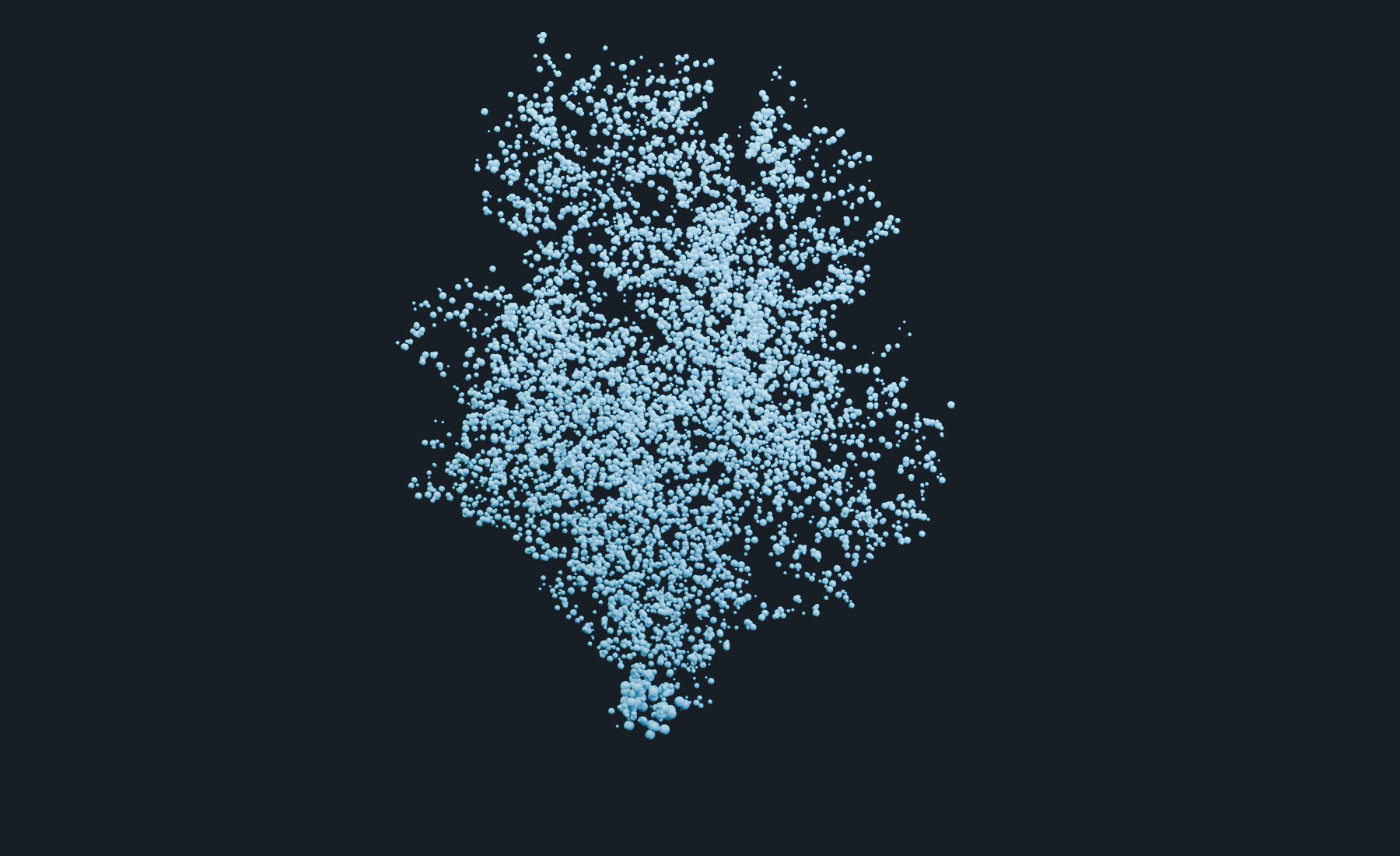
Children may already appear in the first displayed simulation frame because the seed particles immediately enter the replication program.
1. Create a short seed emission
- Start a new Lists system at
24 fps, frames1–120, Substeps4. Add a UV sphere of Radius0.1 mat the origin and apply Scale. - Assign it to the Emitter as a Volume source with Density fill. Set Rate
40 /f, Start Frame1, and Duration1. - Set Lifetime
240frames, Variation0, Radius0.02 m, Radius Random0, Initial Velocity(0, 0, 0), Surface Push0, and Random Velocity(0, 0, 0). - Give the seeds a blue birth color. Set Point Cloud to Blender Geometry, Particle Radius, Radius Scale
0.75, and Particle Color.
The example values below assume the reference scene scale. The important relationship is that Spawn Distance, particle Radius, and the Neighbors Search Radius describe the same local structure.
2. Add the local density test in Lists
- Add Conditional Logic.
- Add an If branch with the Neighbors condition.
- Set Comparison to Less Than.
- Set Search Radius
0.08 mand Count8. - Leave the condition's group filter off for this single population.
The reference uses Search Radius = 0.08 m and Count = 8. Larger Search Radius values count a wider area and can stop growth earlier. A larger Count permits denser growth within that area.
3. Set the total-population stop rule
Before adding the action, add Particle Count as a second condition in the same If branch. Choose Less Than, value 8000, and combine it with Neighbors using And.
Spawning now requires both local free space and a total count below 8000. This is a stop threshold, not an exact cap: several parents can spawn in the same pass and take the total above it. Leave headroom when choosing a higher threshold. Keep both conditions enabled during the first replay.
4. Spawn one descendant
- Add a Spawn action inside the Neighbors branch.
- Set Count to
1. - Set Distance to the maximum offset from the parent. The reference uses
0.08 m. - Use Group: Inherit so descendants participate in the same population and condition.
- Under Lifetime, use Set New,
240frames, so each descendant receives a full lifetime from its own birth. Inherit would give it the parent's remaining lifetime. - Under Radius, use Set New, Radius
0.014 m, Random0.75. - Keep Velocity, Mass, Color and Rotation on Inherit, and Random Speed at
0. Growth spreads through Spawn Distance without an added launch speed. - Set Seed
17for repeatable positions and property variation.
5. Grow the cluster
- Reset to the scene start.
- Play forward rather than jumping directly to a late frame while tuning.
- Watch the particle count and the spatial distribution.
- Sparse boundary particles spawn while crowded interior particles stop. Growth also stops when the population threshold is reached. By frames
60–120, this setup should have settled into a bounded cluster.
If count keeps rising past the threshold, stop playback and check that the two conditions are combined with And. For a smaller or denser cluster, lower the total threshold, lower the allowed neighbor Count, or increase Search Radius. Keep Spawn Count at 1 while adjusting these controls.
6. Nodes version
- Add a Conditional Logic node to the stream.
- Add a Logic Condition set to Neighbors and configure Search Radius, comparison, and Count.
- Add a second Logic Condition set to Particle Count, Less Than
8000. Connect both predicates to Combine Conditions: And. - Add a Logic Action set to Spawn, using the values above. Connect it to the true program of Logic If / Else, with the combined predicate connected to Condition.
- Connect the Program to Conditional Logic.
- Feed the final stream to Point Cloud and Simulation Output / Particles, and Point Cloud Result to Simulation Output / Geometry.
Nodes allow the replication program to become a Physics Group with exposed search, density, and spawn controls. The Logic effect runs for every active particle, so no Loop zone is needed here. Spawn actions are not allowed inside a Logic Loop zone.
7. Shape the result
- Add a weak force after replication when the cluster should drift or expand.
- Use a Mask condition together with Neighbors to limit growth to a spatial region.
- Assign descendants to a new group when only one generation should keep replicating. Then filter the Logic to the group that is allowed to reproduce.
- Use Advanced Color on the Spawn action to distinguish generations or spatial regions.
Troubleshooting
- Growth never starts: Confirm seed particles exist, the Neighbors comparison is Less Than, and Count is above the initial local neighbor count.
- Growth never stops: Check that Particle Count is enabled in the same If branch and combined with Neighbors using And. Increase Search Radius or reduce the neighbor Count if the local structure is too sparse to stop growth.
- The center becomes excessively dense: Spawn Distance is too small relative to particle Radius and Search Radius, or child motion drives particles together after the density test.
- Only the original generation replicates: Check the child Group and the Conditional Logic effect's Apply to filter.
- Children disappear too soon: Lifetime Inherit uses the parent's remaining lifetime. Use Set New.
- The result changes unexpectedly after an edit: Reset to the scene start. The process depends on persistent births and neighborhood history.
See Conditional Logic for the full condition and action reference.