Infection Across a Particle Field
Start an infection near one spatial seed and watch it propagate through a stationary population. State colors separate susceptible, incubating, and infected particles.
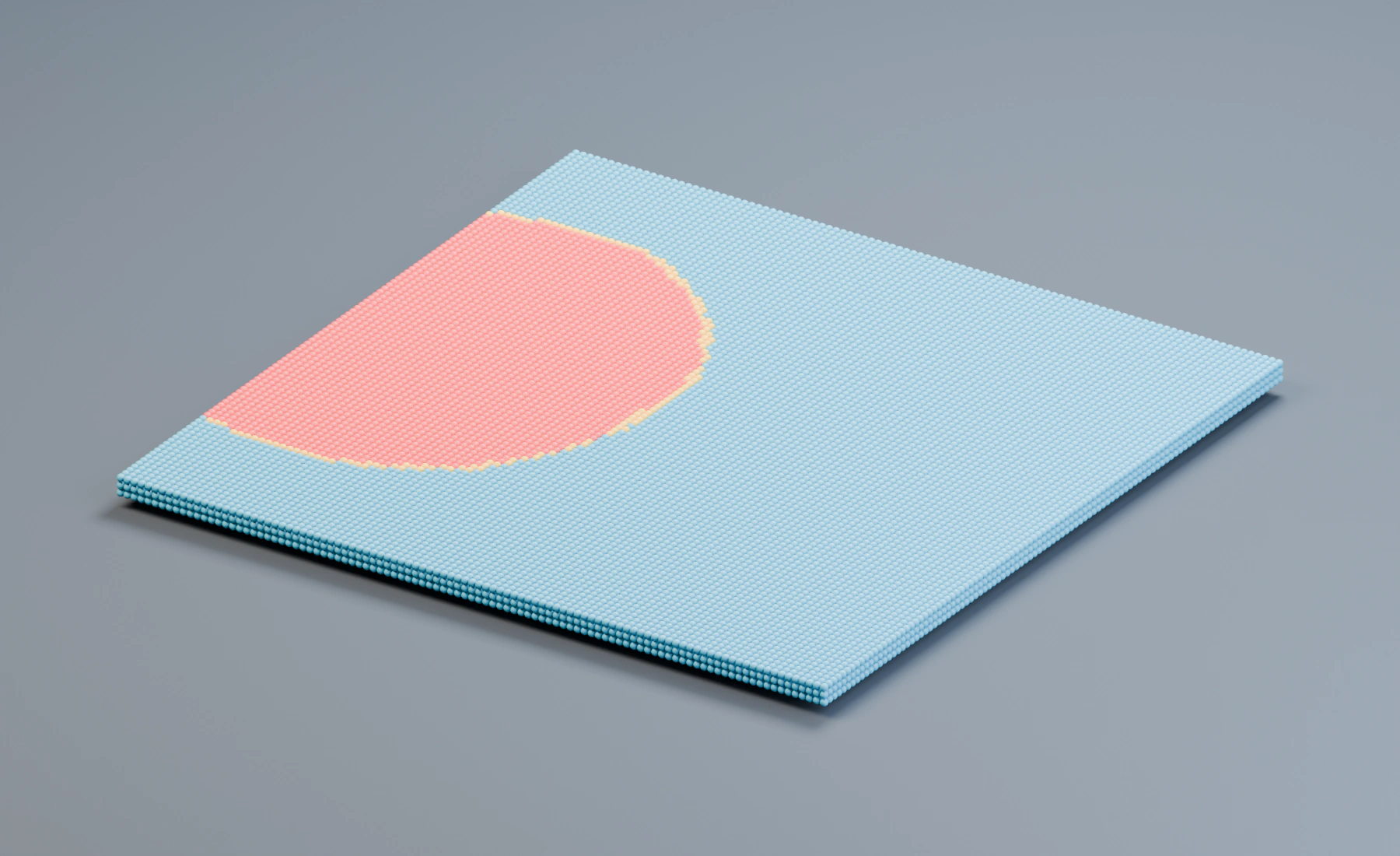
Incubation Input Time controls the delay in seconds. There are no motion effects: the expanding colored region comes from state propagation through nearby particles.
Reference setup
Use 30 fps, Substeps 1, and frames 1–150.
| Part | Settings |
|---|---|
| Source | Closed box 6 × 6 × 0.12 m, center (0, 0, 0.18); apply scale |
| Emitter | Volume Grid, Spacing 0.06 m, Jitter 0, Auto Particle Radius on; Start 1, Duration 1, Lifetime 600 |
| Initial appearance | Blue particle color; Initial Velocity and Surface Push 0 |
| Seed | Empty at (-2.35, 0, 0.18); Spatial Seed Radius 0.55 m, Threshold 0 |
| Infection | Initial Infection Spatial Seeds, Seed Once on, Random Seed 0 |
| Contact | Search Radius 0.12 m, Transmission 0.86, Resistance 0.2, Max Contacts 10, Max New Infections 4, Search Once off |
| Incubation | Input Time, Incubation Time 0.18 s, Variation 0.18, Contact Acceleration 0.25 |
| Duration | Infected Duration 0; immunity disabled |
| Output | State Colors Fixed, incubating orange, infected red; Point Cloud using Particle Color and Particle Radius |
The reference contains 30,603 particles. The box has a small finite thickness, so the population is not a mathematical single layer. The studio ground is visible but does not take part in simulation.
1. Create the stationary population
- Start a new Lists system. Create a cube named
Population Sourcewith the dimensions and location in the table, and apply Scale. - Assign it as the Emitter's Volume source, choose Grid, and enter the spacing and timing values. Keep lifetime Variation, Radius Random and Random Velocity at
0. - Use zero Initial Velocity and Surface Push. Set a blue birth color and Point Cloud to Particle Color, Particle Radius, and Blender Geometry for rendering. Remove any unrelated motion effects.
2. Establish the initial seed
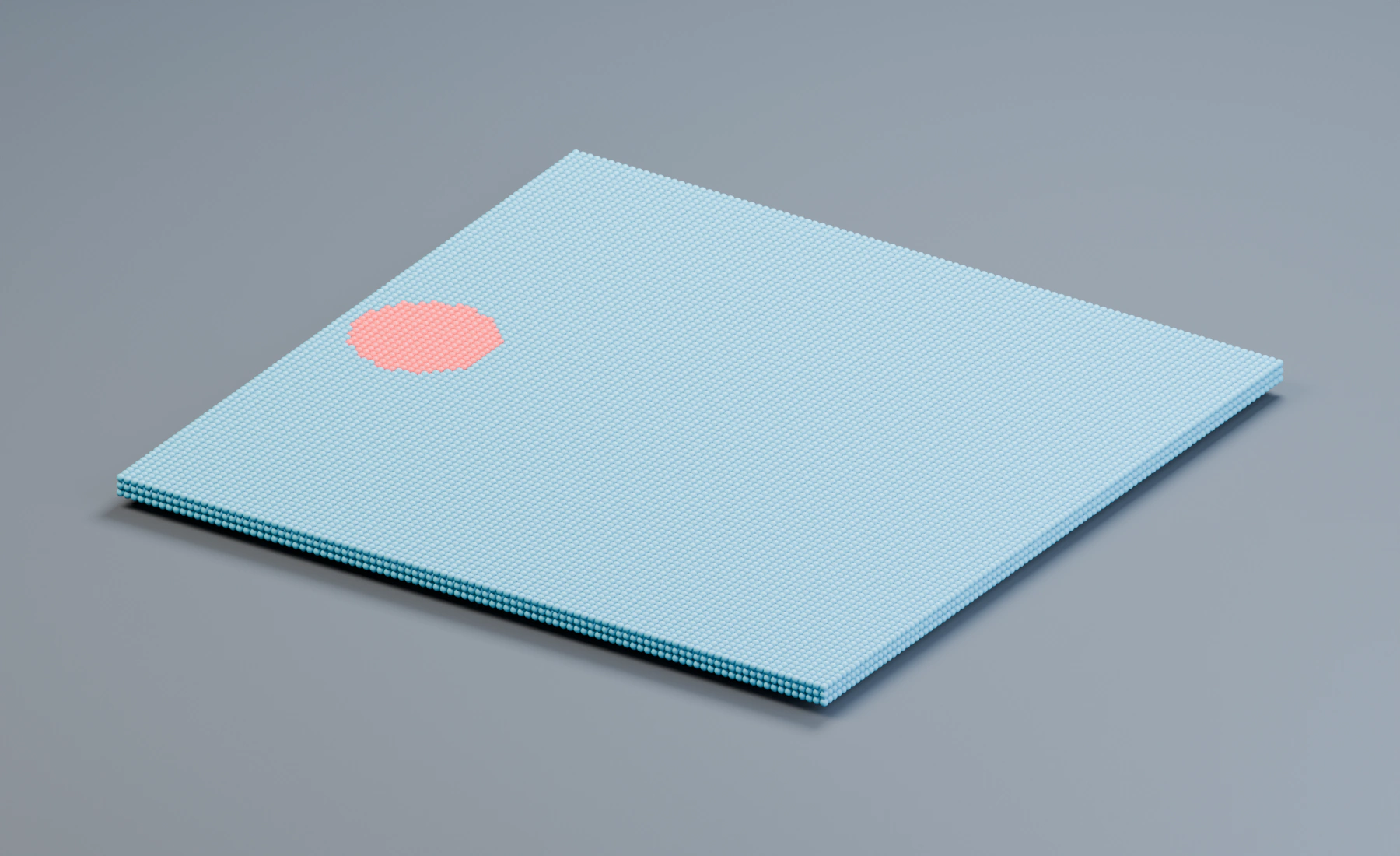
Add Infection after the Emitter. In Lists, this creates a spatial seed. Move that Empty to (-2.35, 0, 0.18) and set its seed entry's Radius to 0.55 m; keep exactly one seed entry. Enter the Infection values in the table. The Empty's display size does not set the seed entry's Radius.
Seed Once controls initial seeding. It does not stop already infected particles from exposing their neighbors. Search Once controls that separate transmission behavior; it is disabled here so infectious particles can continue attempting to spread.
3. Set the contact scale and delay
Search Radius 0.12 m is twice the grid spacing, allowing infection to reach nearby particles. A larger radius jumps across more of the field at once and increases neighborhood work. Increase it to bridge gaps between particles.
Transmission and Resistance control exposure. Incubation Time delays the transition to the infected state; Contact Acceleration and Variation change its timing. State Colors displays the resulting infection states.
4. Follow the colored front
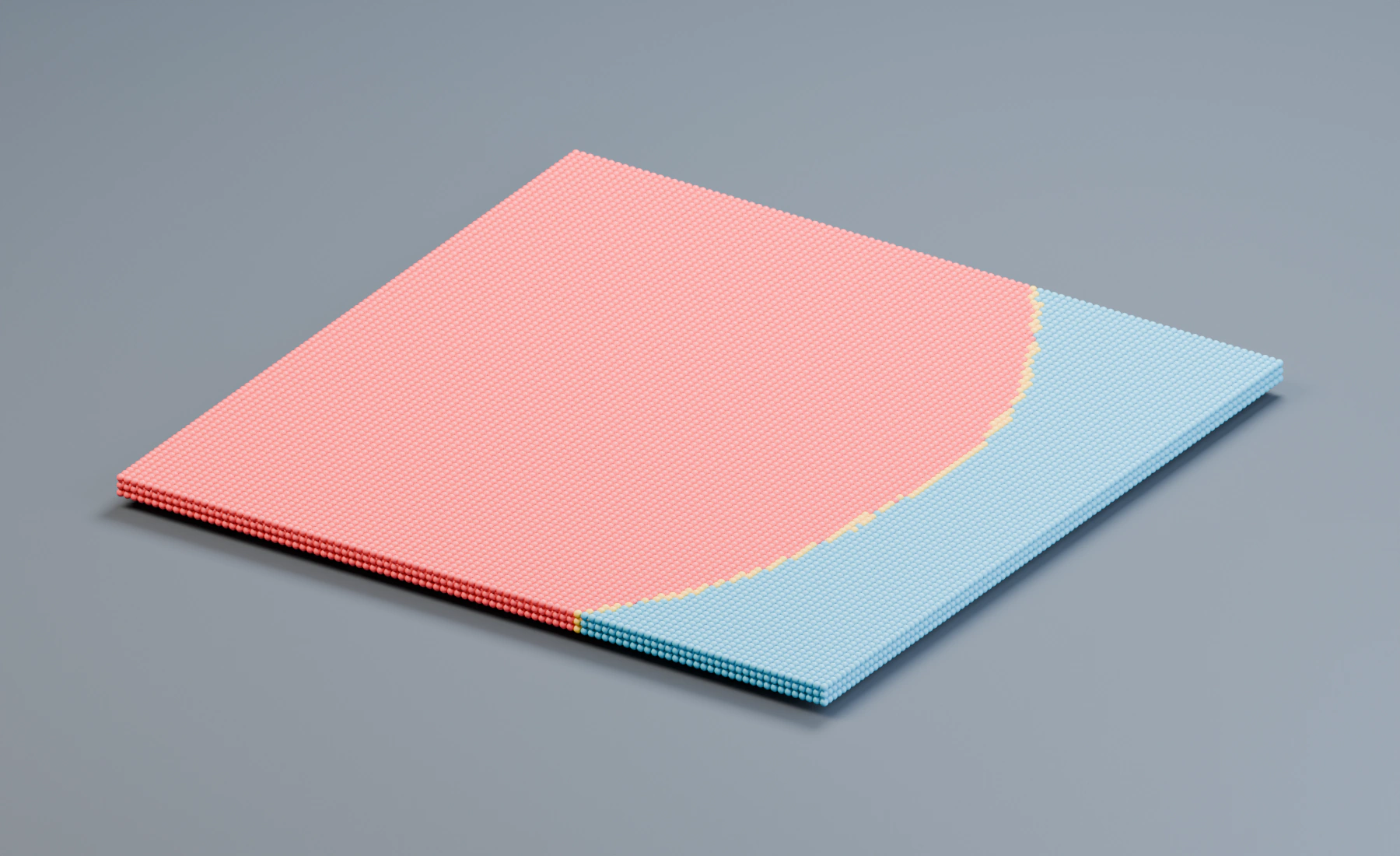
Play from frame 1 to 150. A small seeded region starts on the left, then the infection reaches neighboring particles and advances across the field. The particles themselves remain in place. Save the setup before changing the propagation speed.
- Blue: susceptible particles retain the emitter's color.
- Orange: particles are incubating after exposure.
- Red: particles have reached the infected state and can propagate it.
Keep Assign State Groups off for this color-only example. To drive later effects from infection state, enable it and select four named groups; remember that this changes particle group assignments and can affect other group filters.
Nodes workflow
Connect Volume Source → Emitter → Infection, then feed Infection's particle output to Point Cloud and Simulation Output / Particles. Connect Point Cloud Result to Simulation Output / Geometry. Add an Infection Spatial Seed component, assign the Empty, Radius and Threshold, and connect it to Spatial Seeds on Infection. Multiple seed components can be chained through Previous. Configure Time incubation and Fixed state colors in the Infection Inspector.
Troubleshooting and extensions
- Only the seed changes: check Search Radius against actual spacing, and confirm Transmission and Max New Infections are nonzero.
- Spread stops after a narrow front: inspect Search Once and contact limits before increasing radius.
- All particles change immediately: reduce the seed radius and verify Initial Infection is Spatial Seeds, not All Particles.
- State changes are invisible: Point Cloud must use Particle Color. A later Change Color effect can replace the Infection colors.
- Add recovery: use a nonzero Infected Duration and configure the recovery/immunity controls. The illustrated run uses persistent infection without recovery.
See Infection, Particle Groups, and Conditional Logic.