Case Studies
Complete simulation and terrain setups with reference settings, output configuration, and illustrated results.
Start with the Beginner Tutorials if emitters, effects, groups, or post effects are new to you. These case studies combine those concepts into reusable workflows.
Each case starts from a new Blender file unless it tells you to reuse a source from another page. Use Start with Lists for the main instructions. Apply object Scale after entering dimensions, use scene Unit Scale 1, and set the stated frame rate before simulating. Enter the reference settings first; tuning sections describe variations after the main setup is complete.
Lists evaluates Effects from the bottom upward. Nodes instructions describe an alternative setup with the same behavior; switching modes does not copy the Lists controls. Keep the complete final particle stream connected to Simulation Output / Particles, alongside the Geometry connections that make the result visible.
Replay from the first frame after changing simulation settings. Save before trying a variation. Cameras, lighting and background geometry in the illustrations are presentation choices; the required simulation objects and outputs are described on each page. For particle-colored Trails materials, follow Give the trails their particle colors.
Use Cycles for the particle-rendering steps. For smooth shading on Cloth or Soft Body, select the generated mesh output after playback and use Object > Shade Smooth. This changes the surface shading without adding simulation detail.
Particles
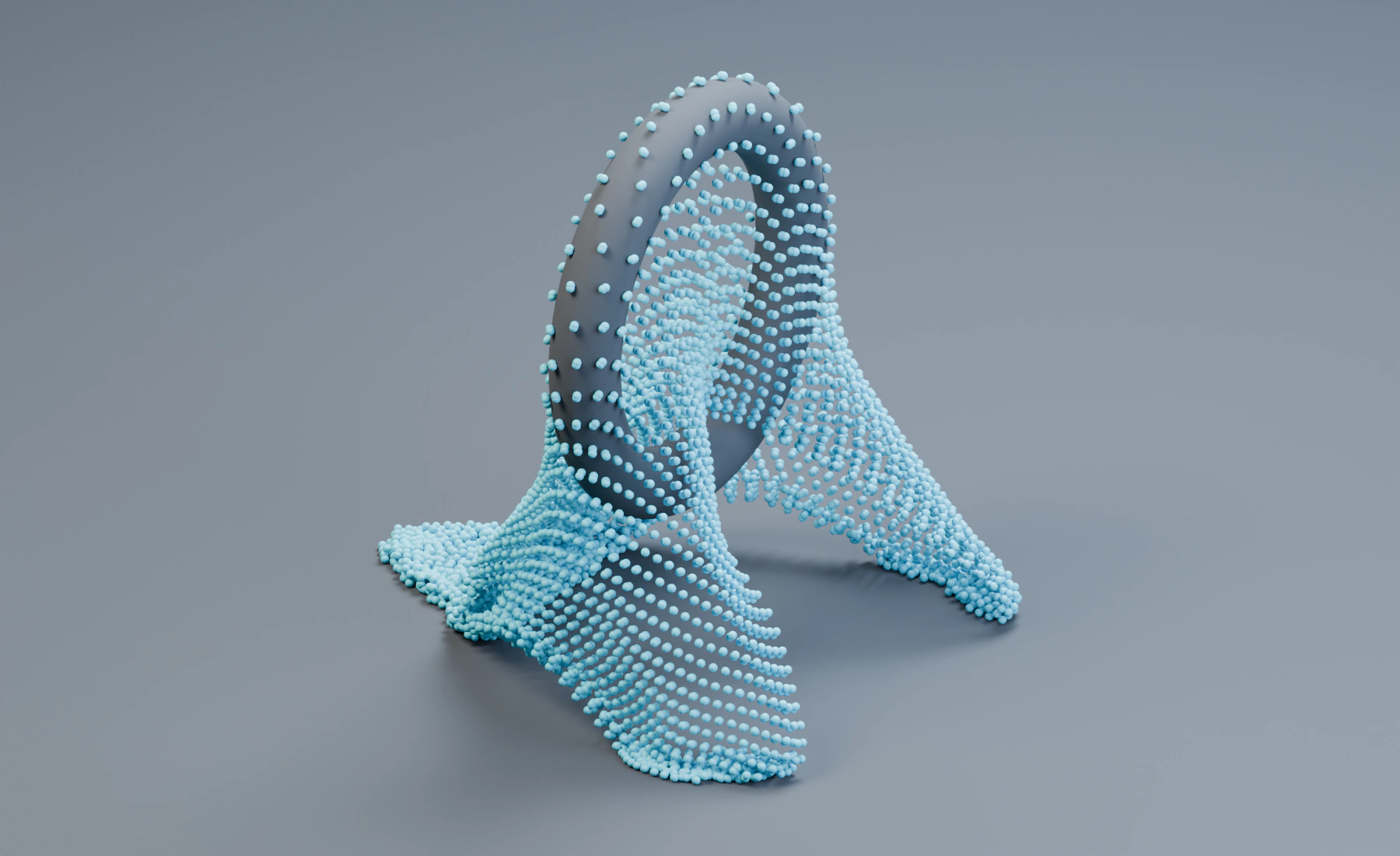
Particle Constraints with unsupported folds.
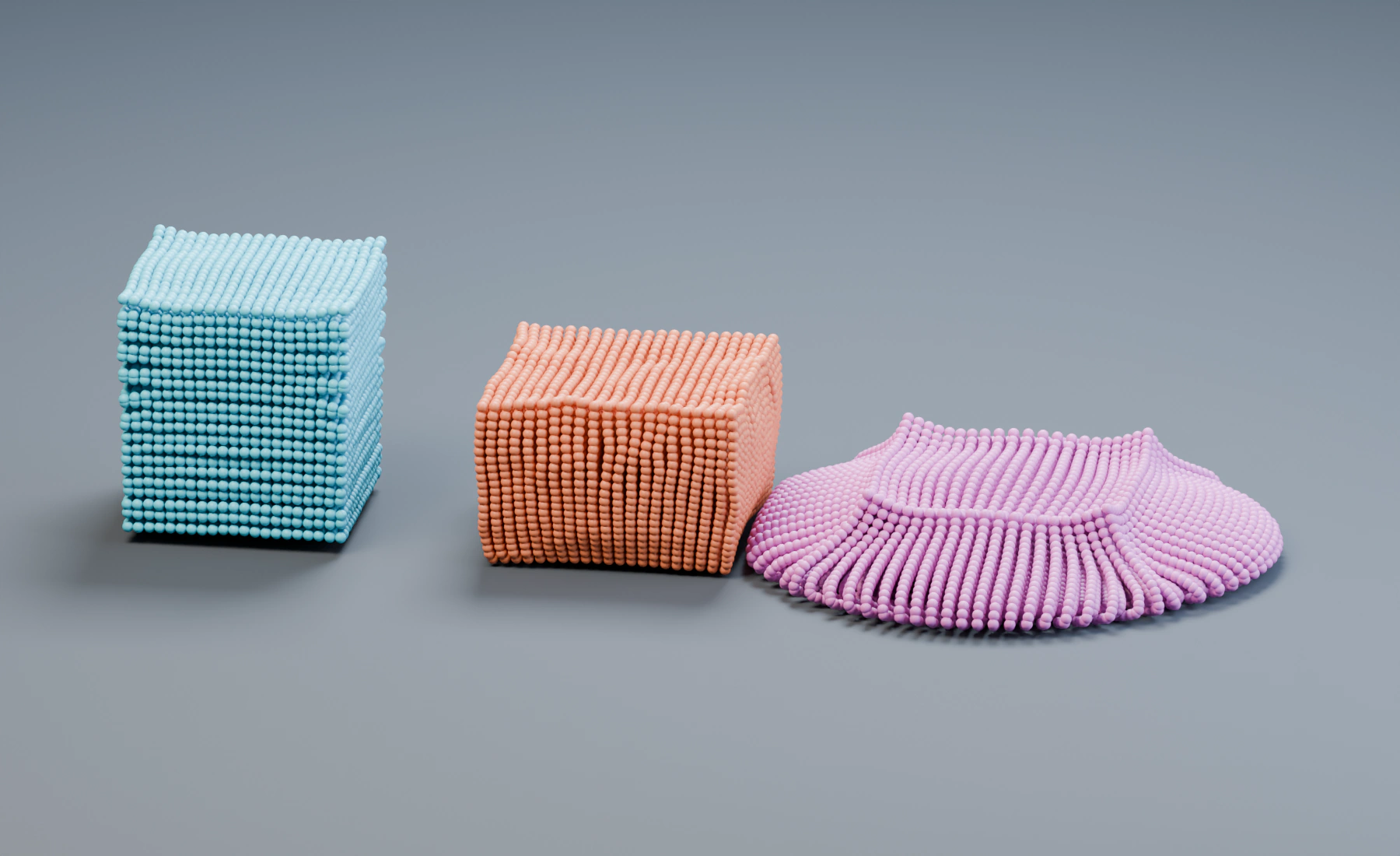
Elastic, Clay and Soft Plastic under the same launch conditions.
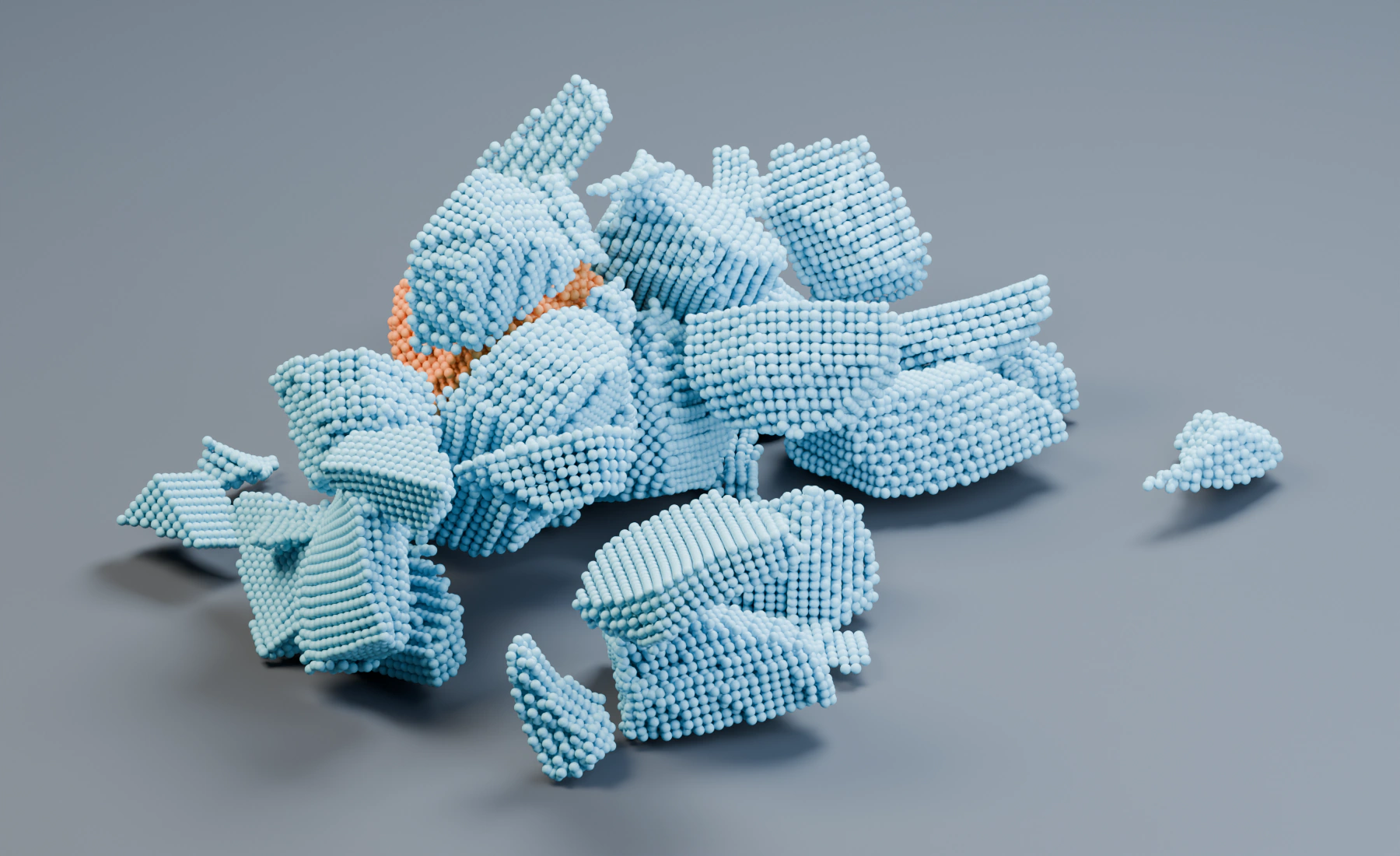
A controlled impact with and without fracture.
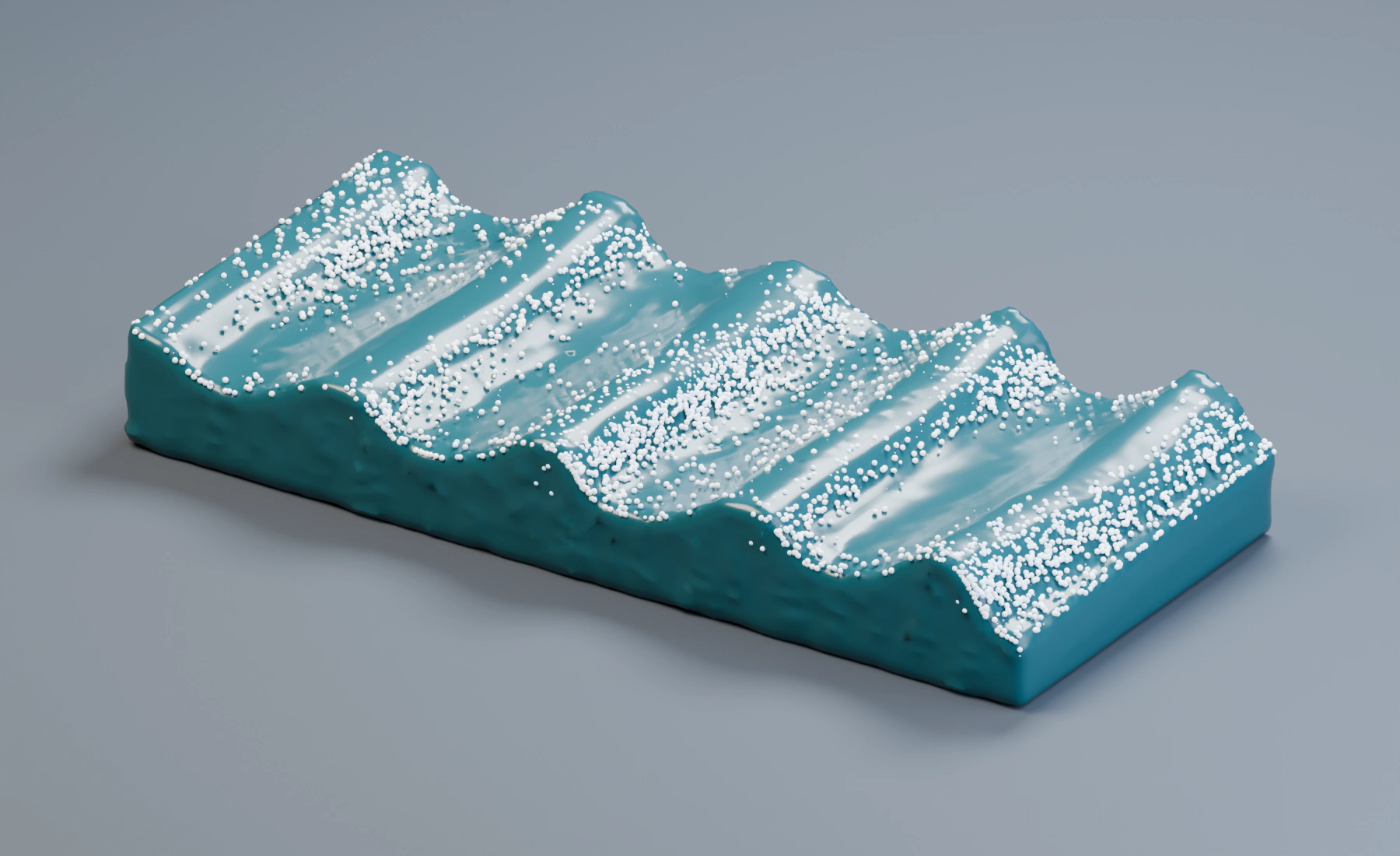
FLIP waves, a reconstructed surface and secondary particles.
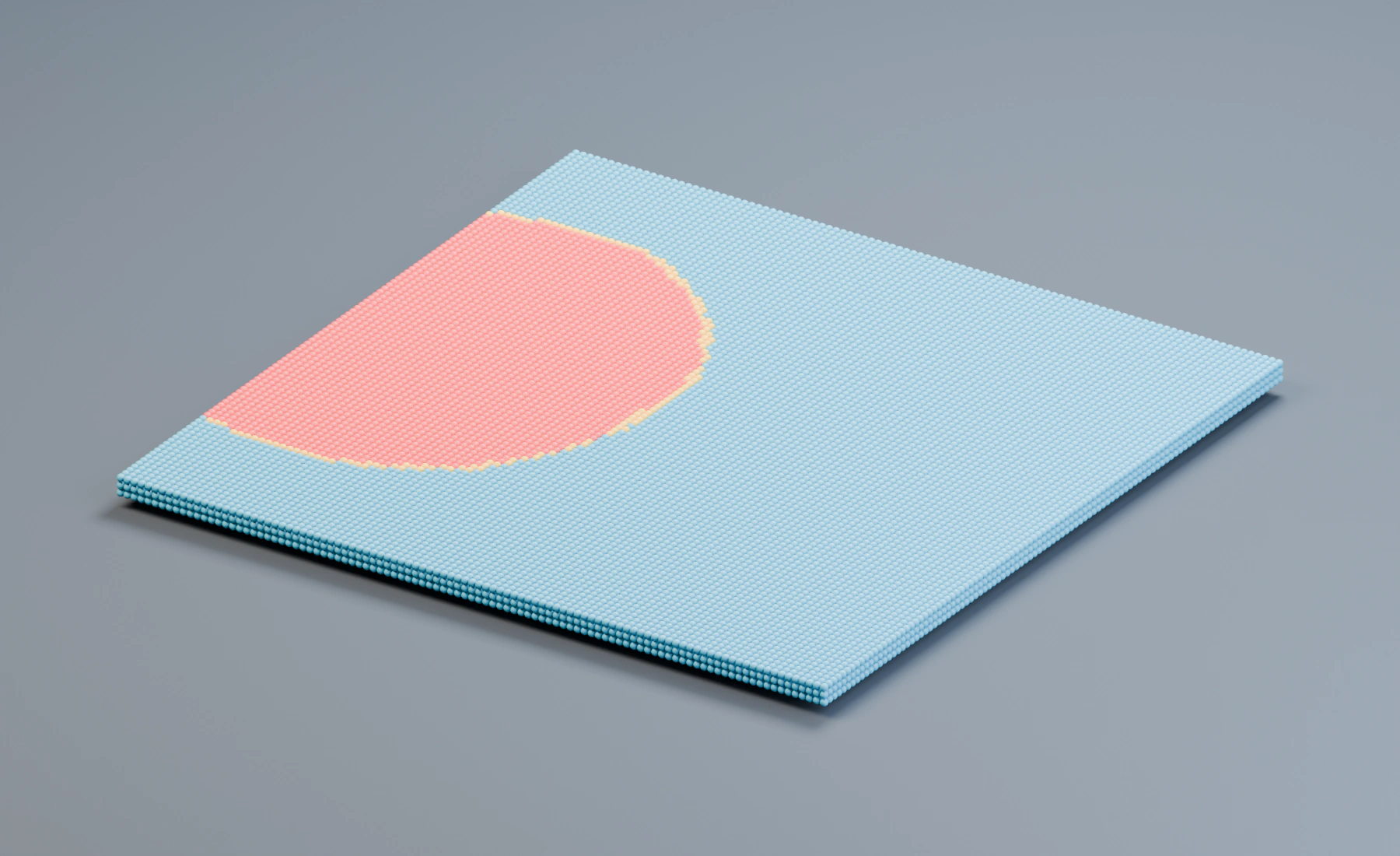
Spatial seeding, incubation and state colors.
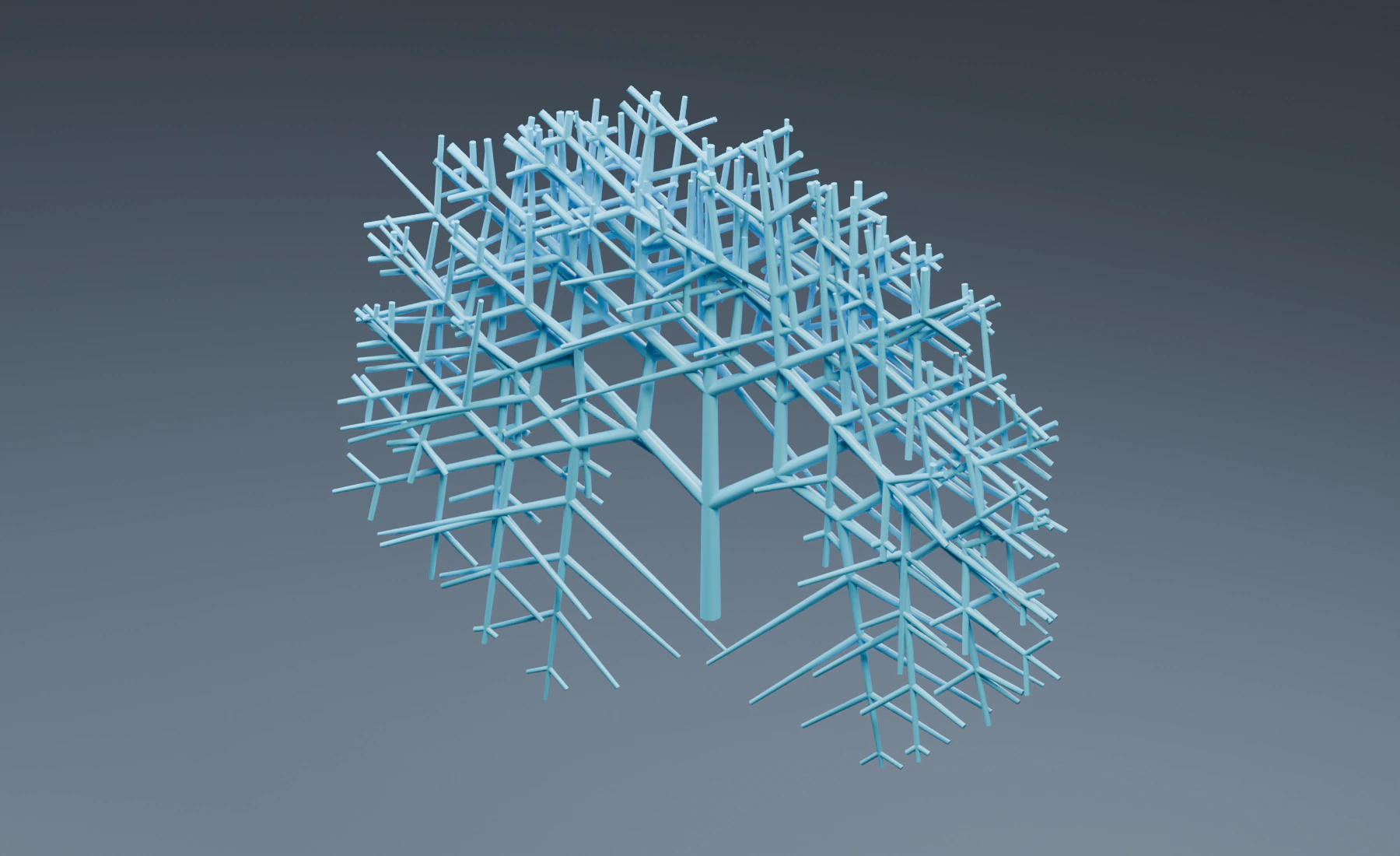
Recursive growth and persistent curve output.
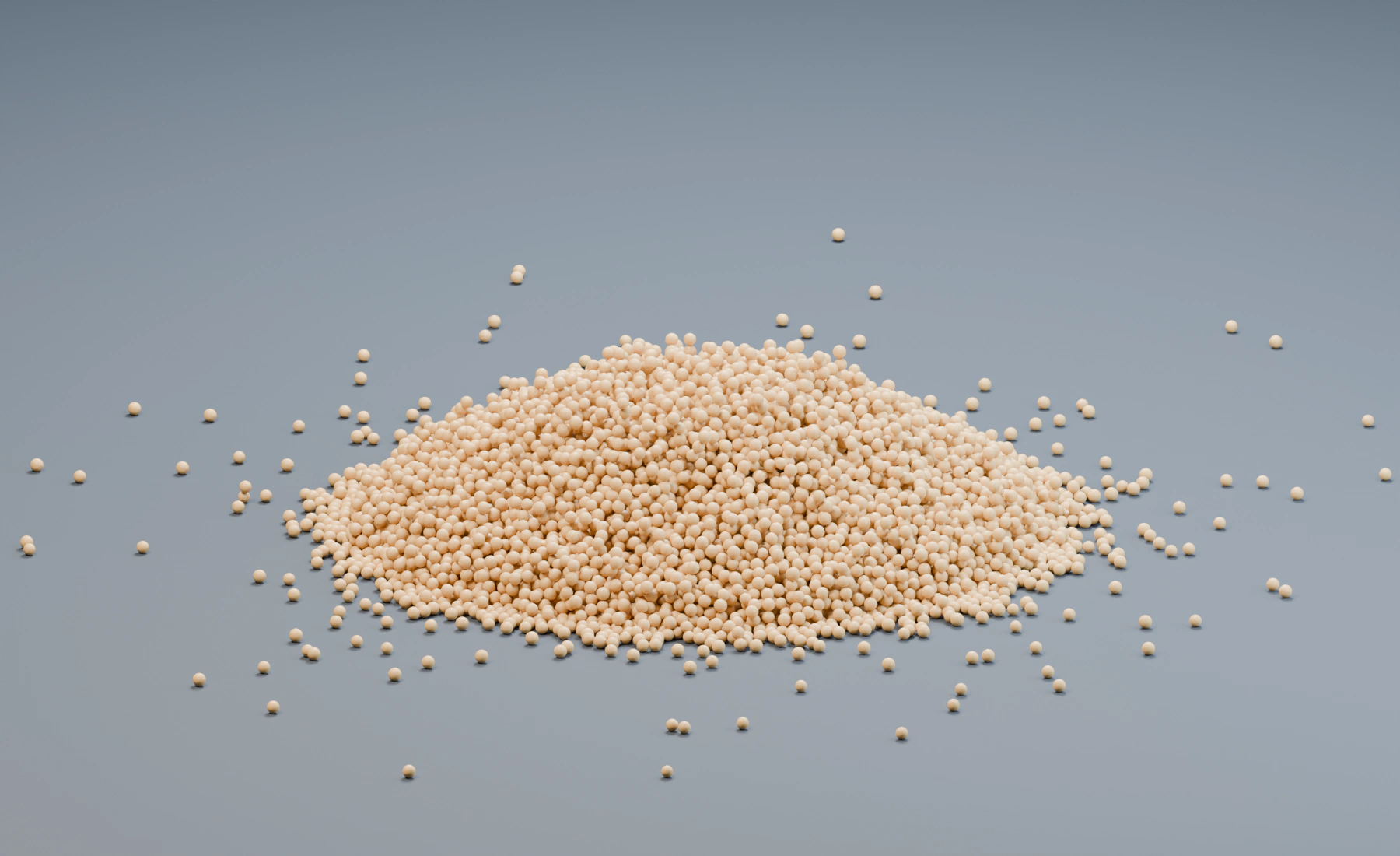
Granular contact and a free-standing pile.
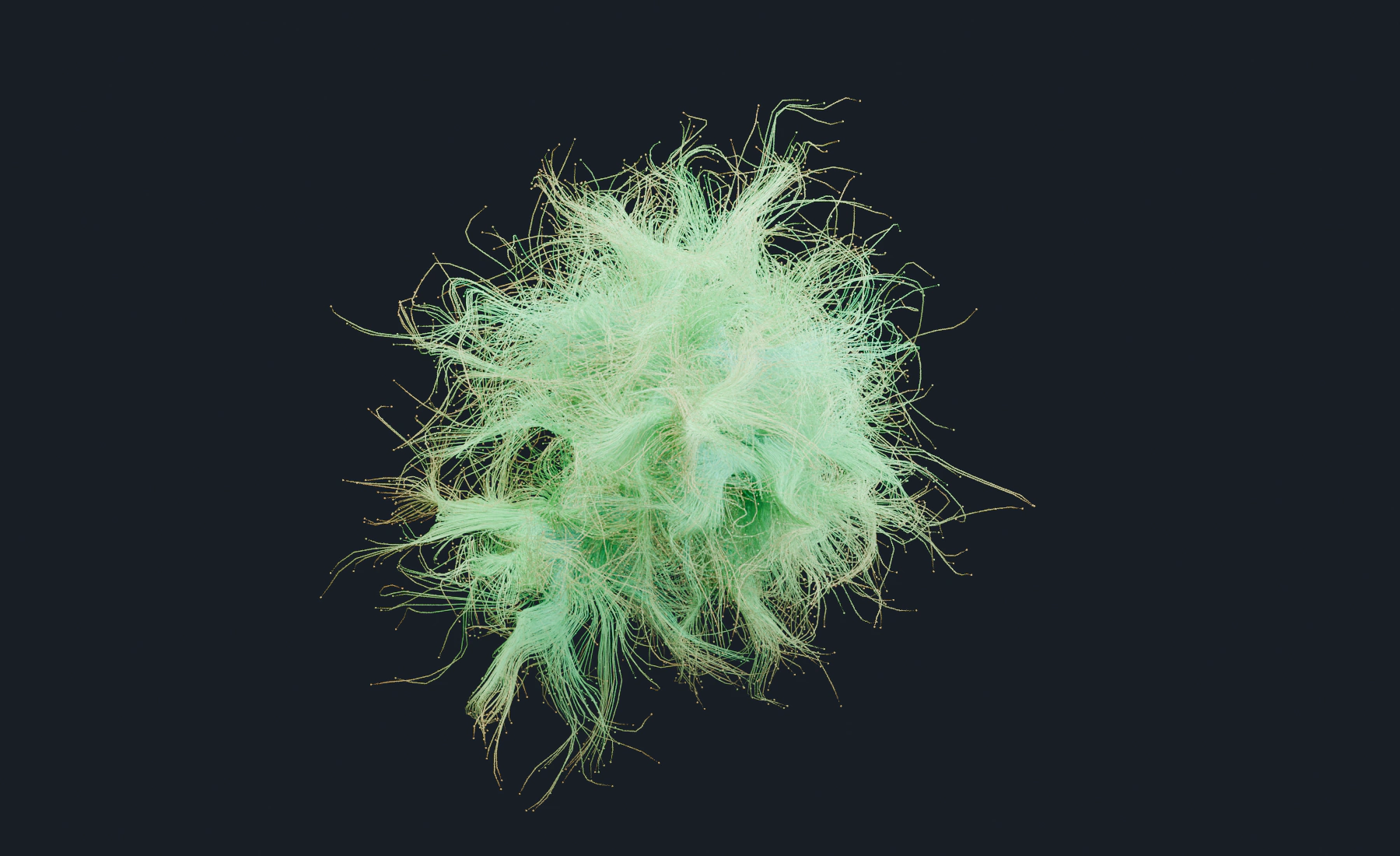
Motion, Trails and age-driven color.
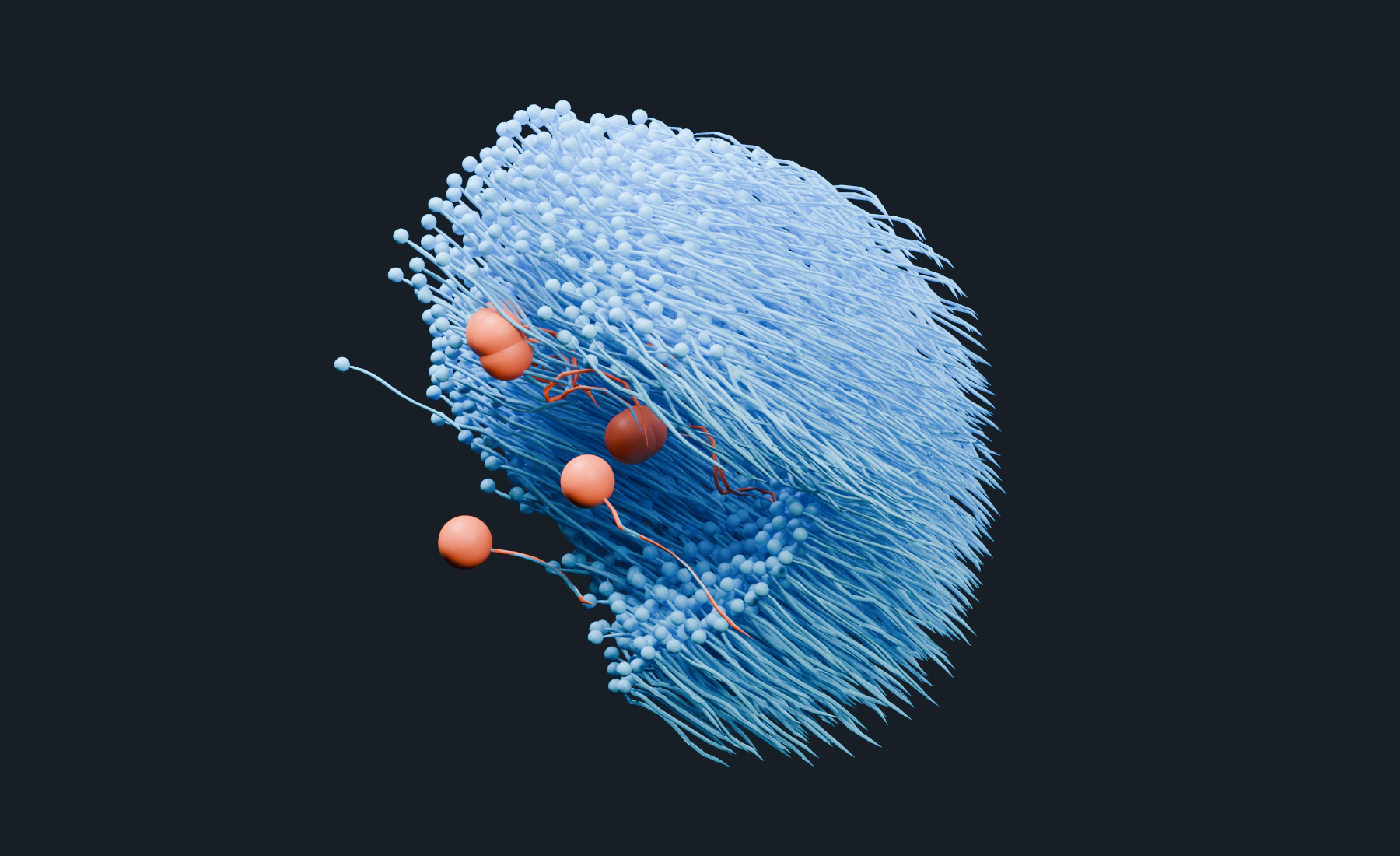
Group-specific steering and pursuit.
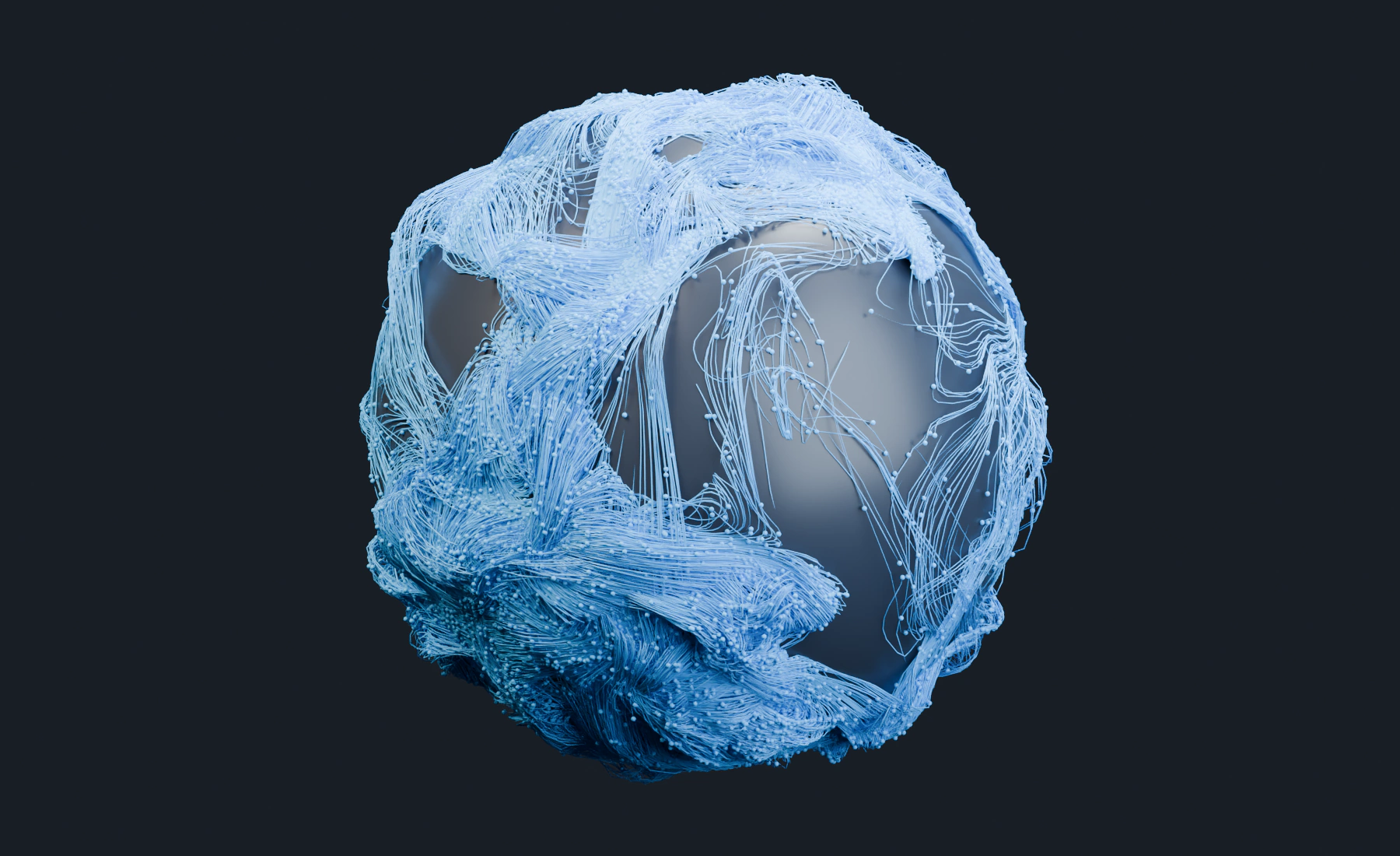
Motion constrained to a surface.
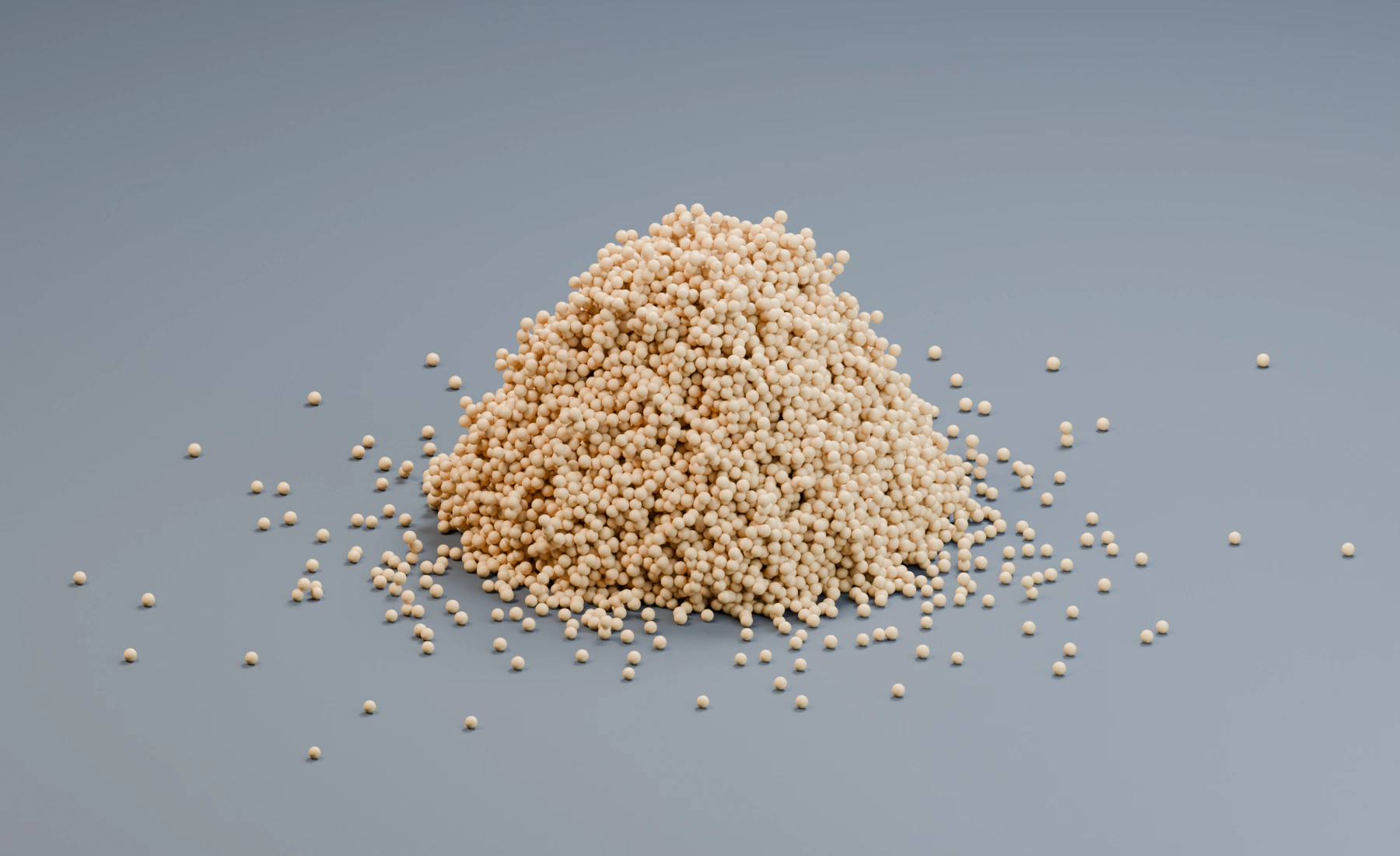
Dry, wet and cohesive grain response.
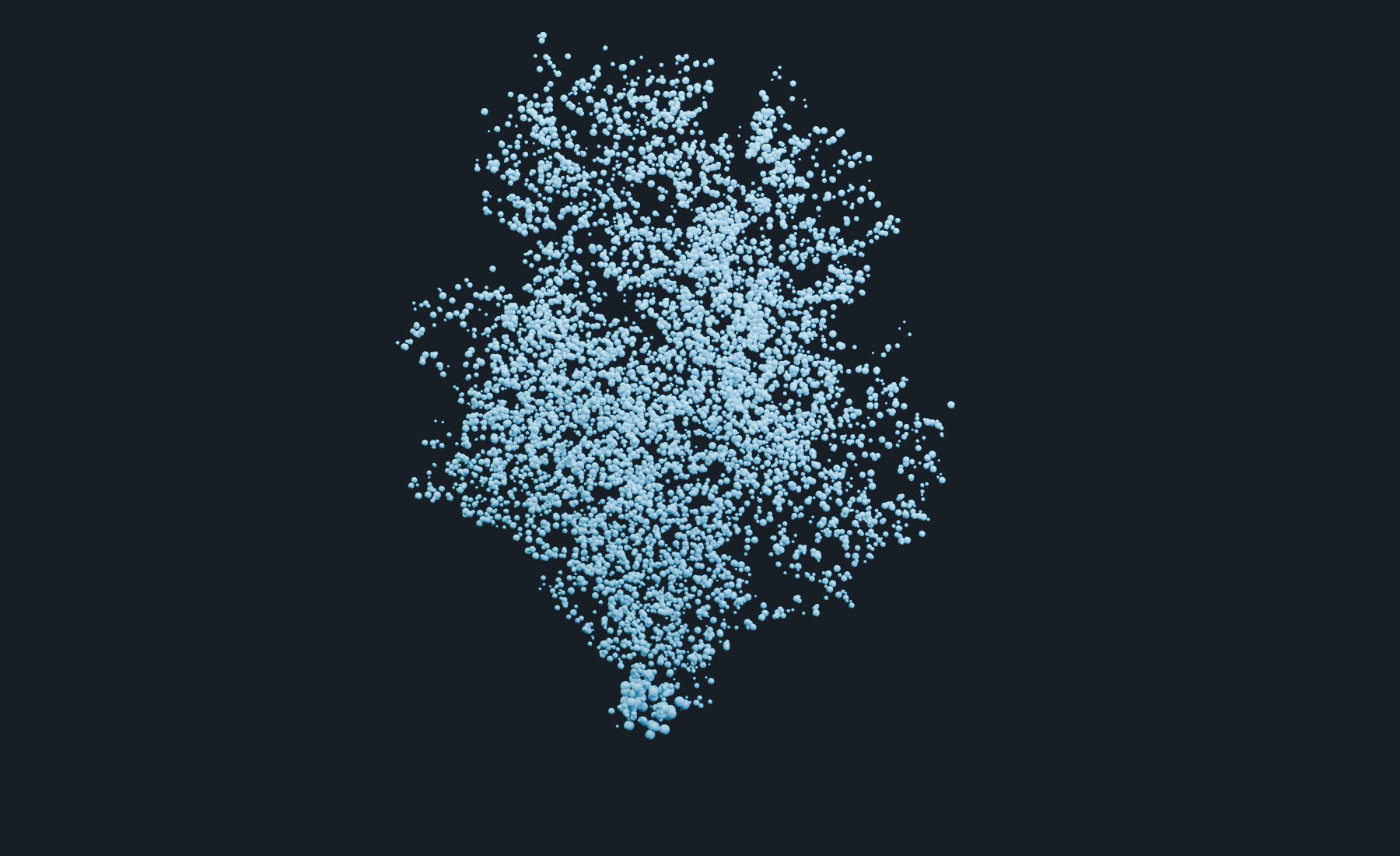
Conditional spawning and population limits.
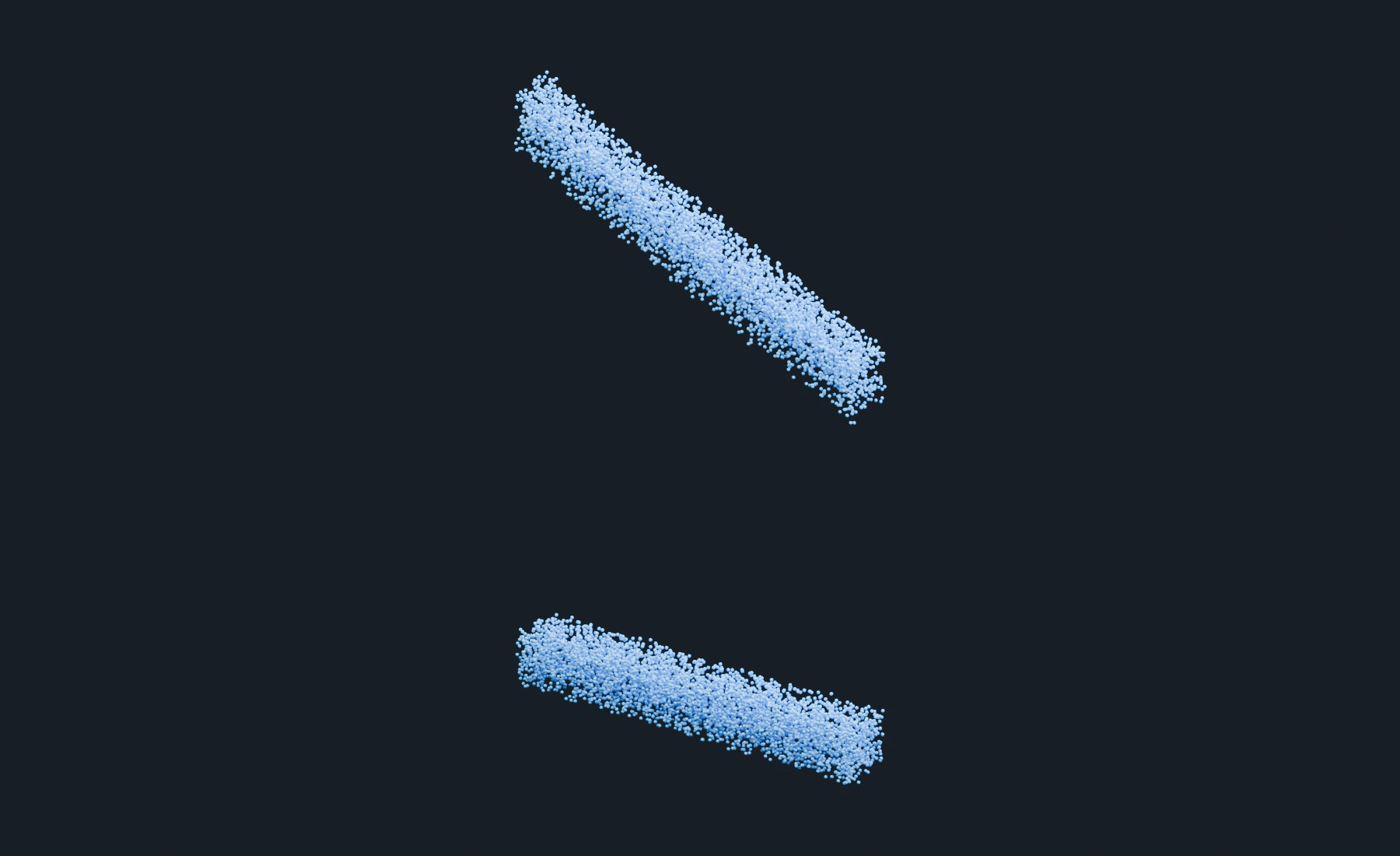
Freeze, moving Masks and release.
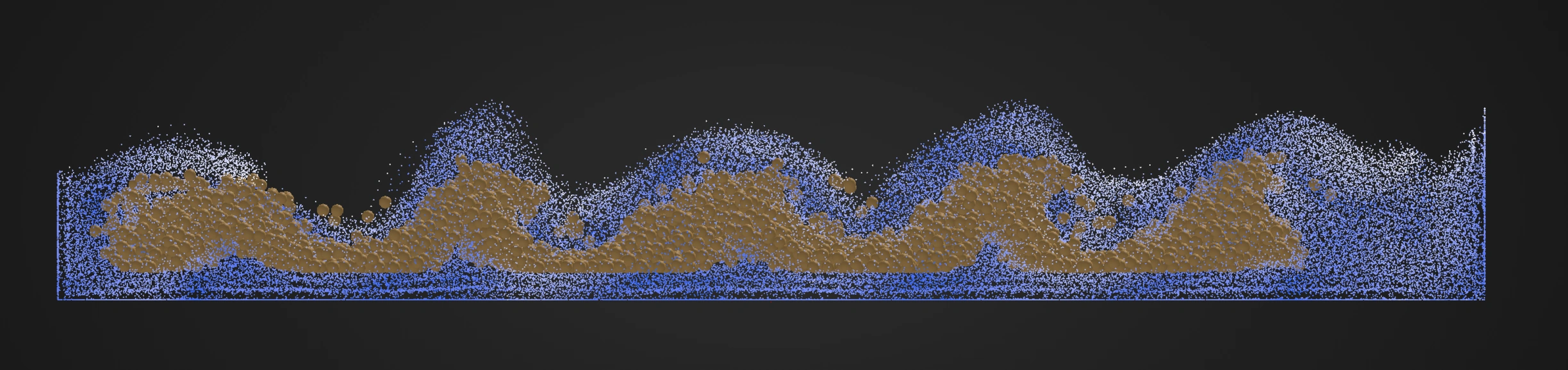
FLIP velocity driving granular material.
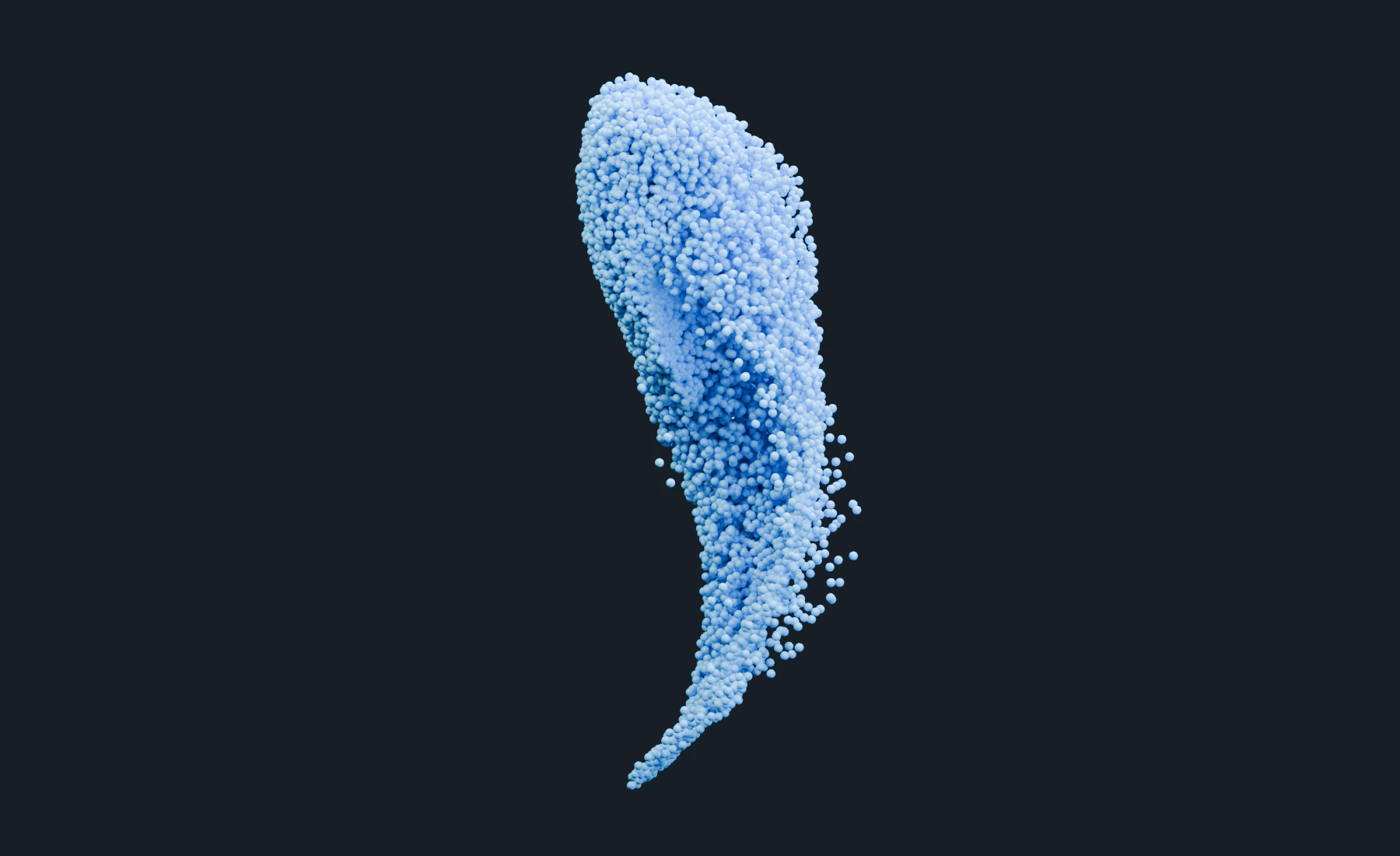
Bake and replay a finished particle simulation.
Cloth, Soft Body and Strands
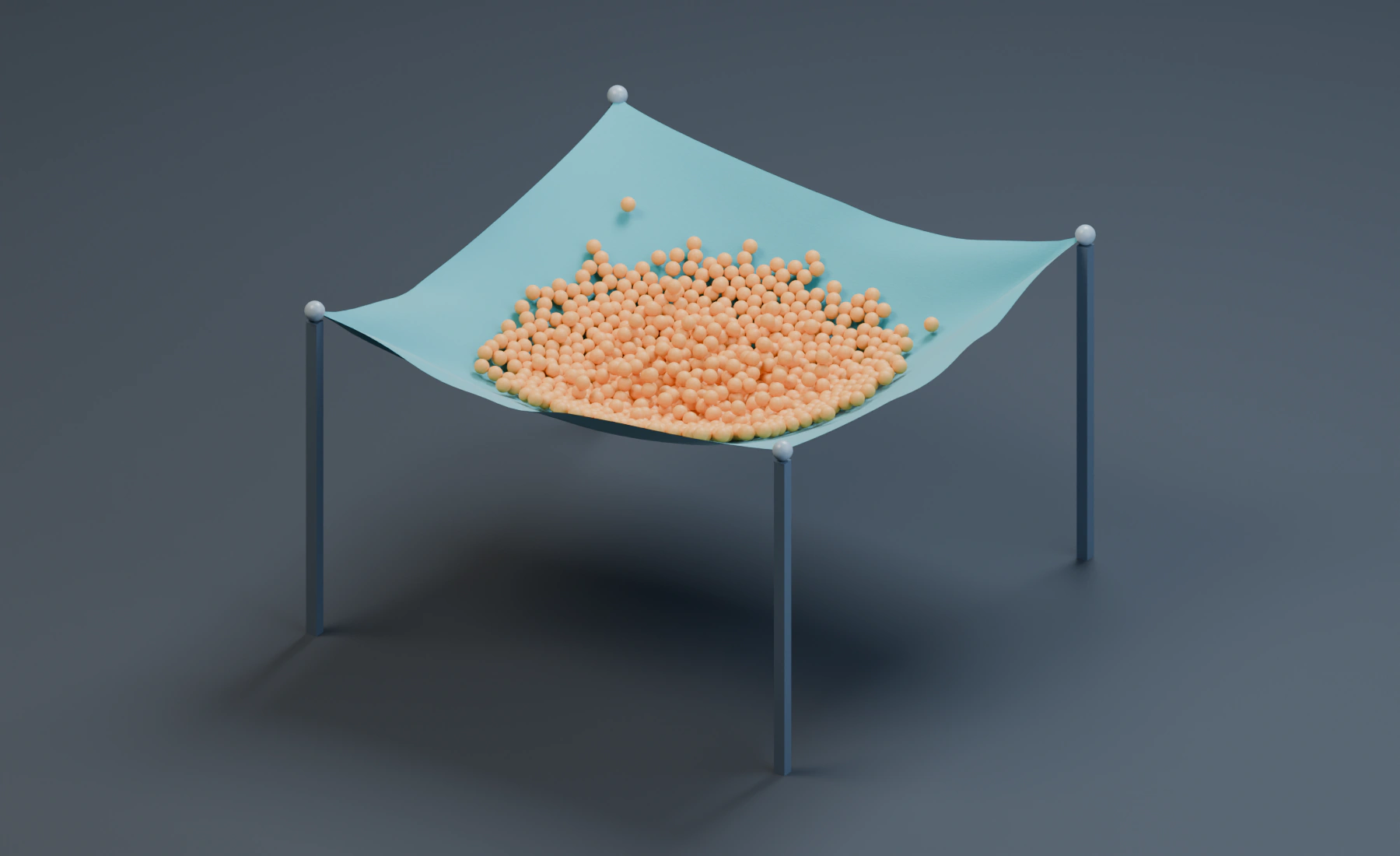
A pinned sheet catches a granular load.
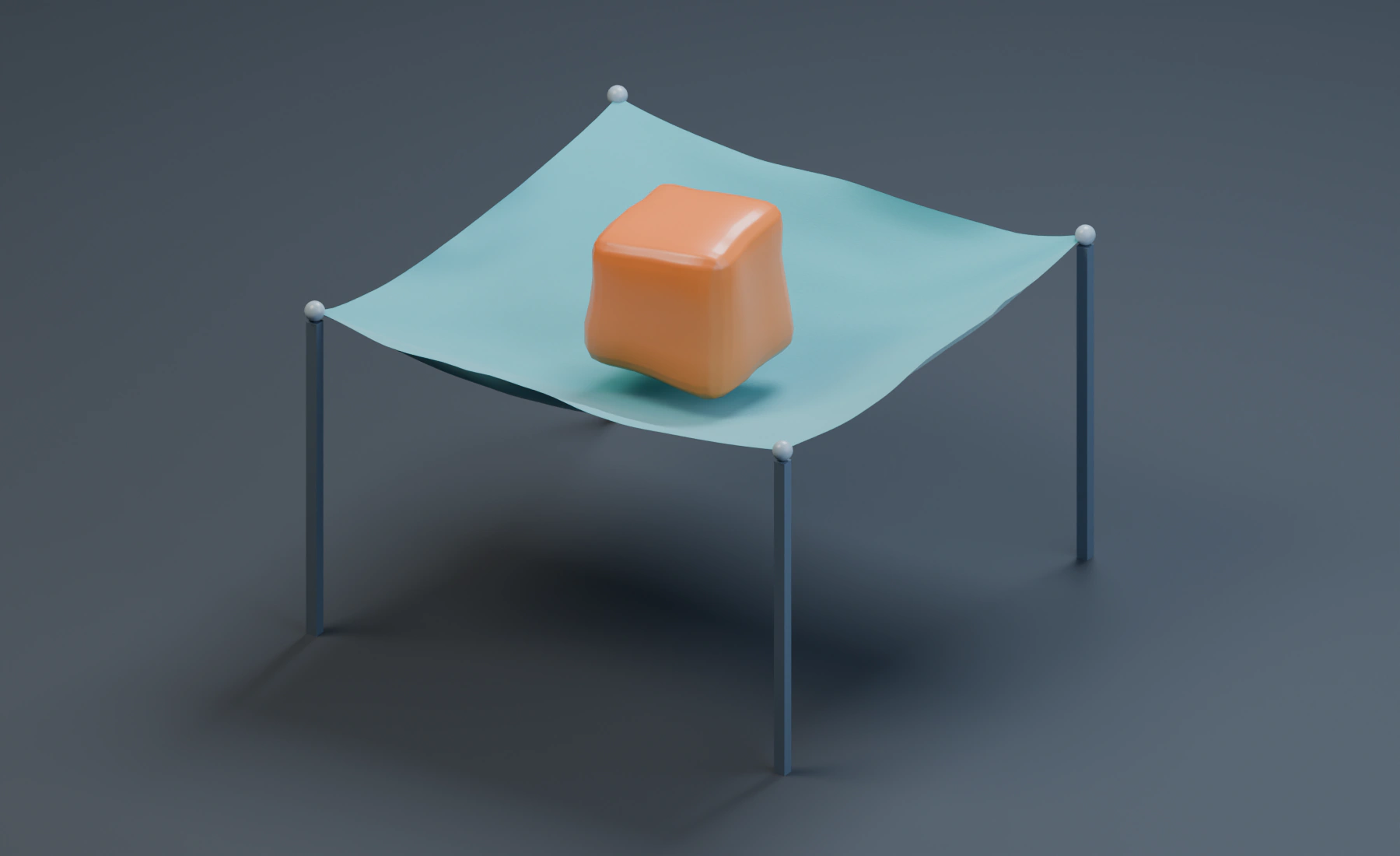
Contact between two deformable materials.
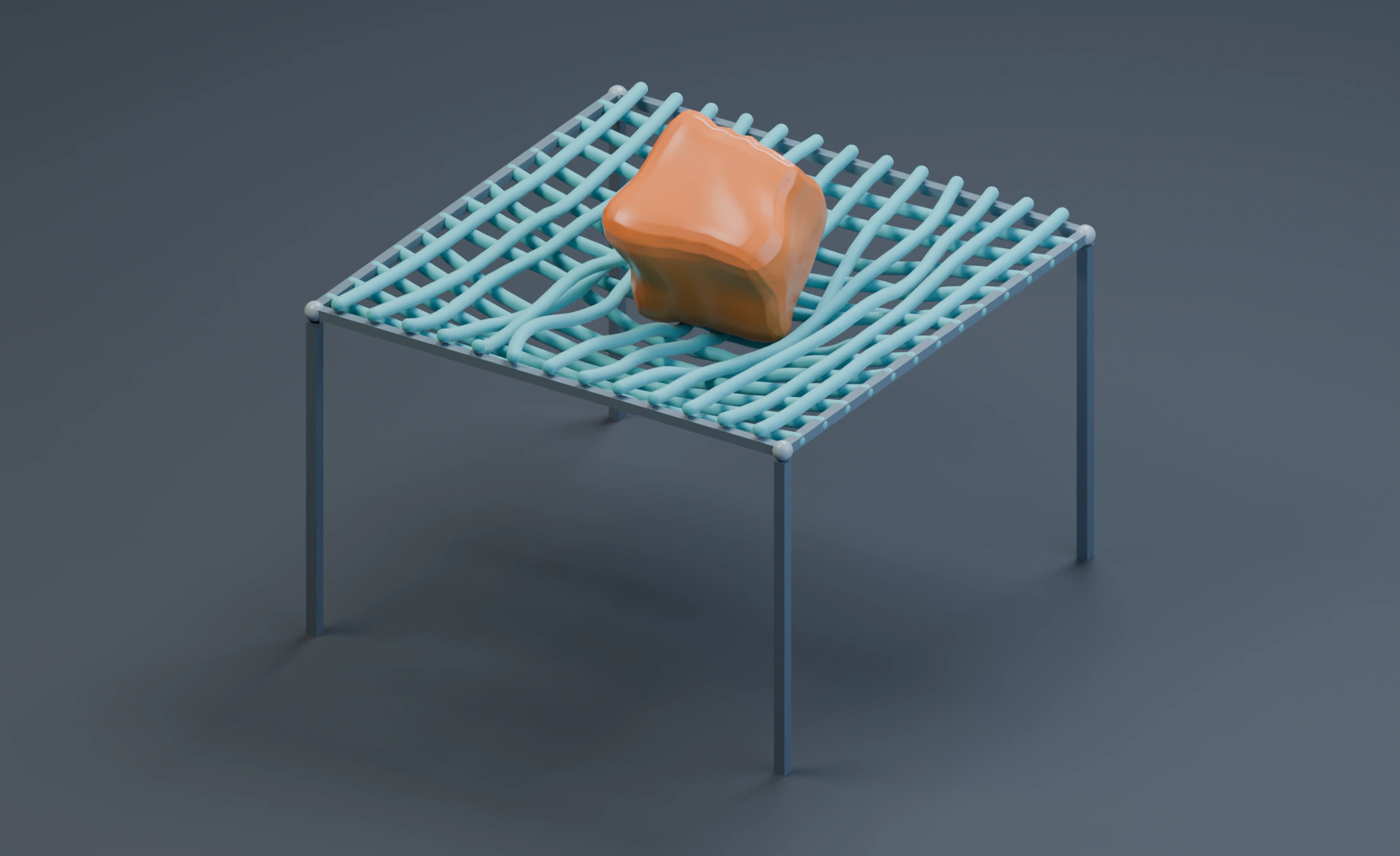
Pinned strands support a Soft Body.
Terrain
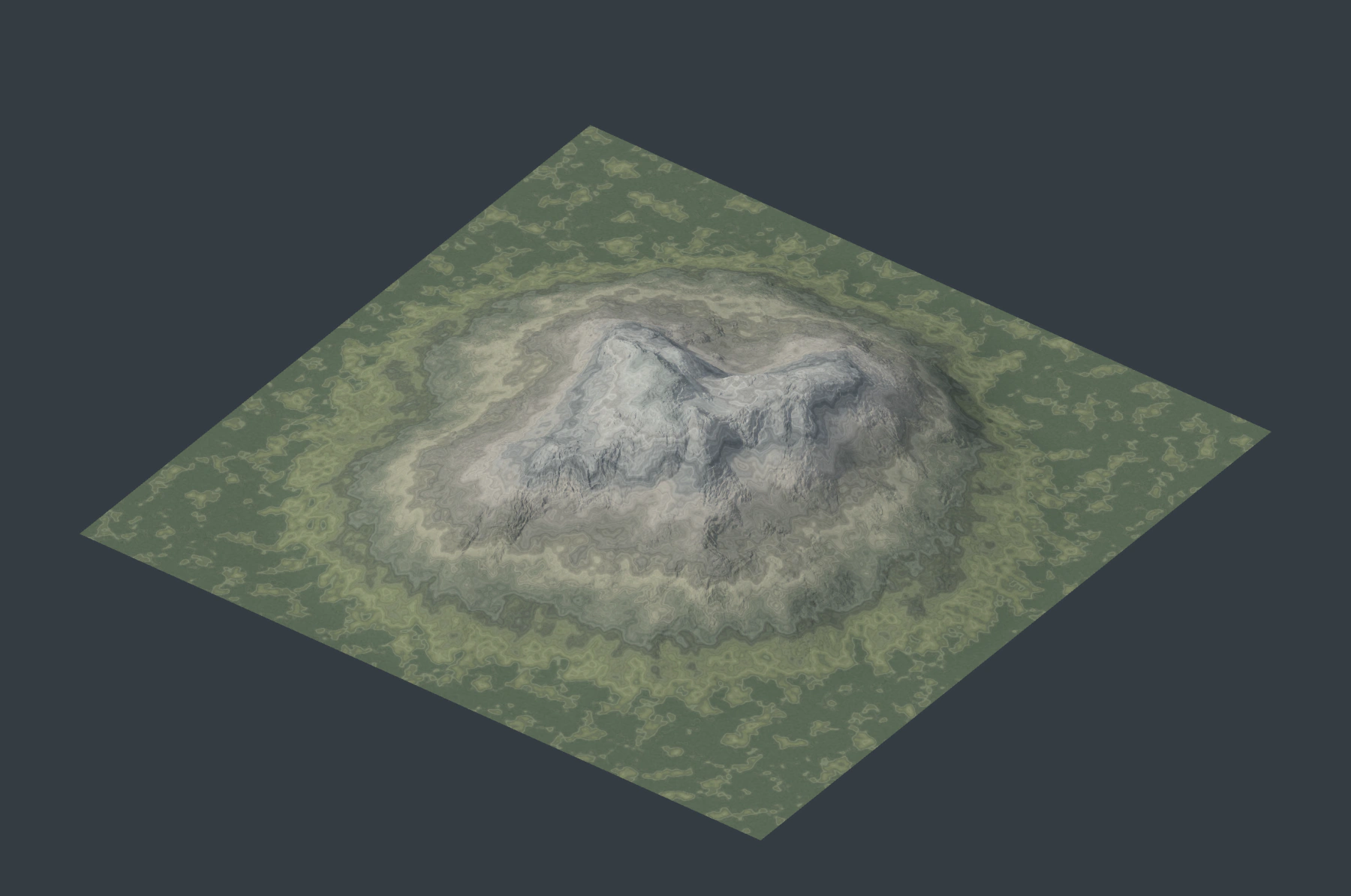
Combine hydraulic and thermal erosion, color the relief and export a terrain.